





Put the Boomerang Bet account on a phone without losing control
Boomerang Bet runs through a responsive mobile site that covers sportsbook, casino, live tables, deposits, withdrawals and verification. A store installation is not required. The browser route also avoids waiting for a separate app update because the current interface loads from the service each time.
The broader Boomerang Bet review compares the sportsbook, casino, cashier and account controls available through the same profile.
Android users may encounter APK-related searches, but an installation file should only be used when it is provided and signed through the account’s official download area. Random APK mirrors introduce credential and wallet risk. For most players, a verified browser shortcut provides the same practical launch point with fewer installation decisions.
Three mobile access routes
| Route | Setup | Strength | Control point |
|---|---|---|---|
| Mobile browser | Open the site and sign in | No installation; always current | Verify the domain and close shared sessions |
| Home-screen shortcut | Use Add to Home Screen / Install App | One-tap launch with browser security | Shortcut still opens web content |
| Official Android APK | Download only from the account’s named route | Native-style package where supplied | Check publisher, version and permissions |
How to install an official APK safely
- Open Boomerang Bet from the verified account address, not a download directory or advertisement.
- Navigate to the mobile or Android download area and confirm that the file is offered by the service.
- Read the displayed version, publisher and required Android release before downloading.
- Allow installation from the current browser only when Android asks; do not enable the permission globally.
- Open the downloaded APK, review requested permissions and cancel if contacts, accessibility control or unrelated data are requested.
- After installation, disable unknown-source permission for the browser and sign in manually.
- Remove an APK that cannot be matched to the official account route and change the password if credentials were entered.
iPhone and Android home-screen setup
On iPhone, open the site in Safari, choose Share and select Add to Home Screen. On Android, Chrome or another supported browser can display Install App or Add to Home Screen in its menu. The resulting icon is a shortcut or progressive web experience, not proof of a native App Store package.
The shortcut should open the same account, balance and verification state as desktop. Biometric device unlock protects access to the phone, but it does not replace the account password or two-factor authentication where offered.
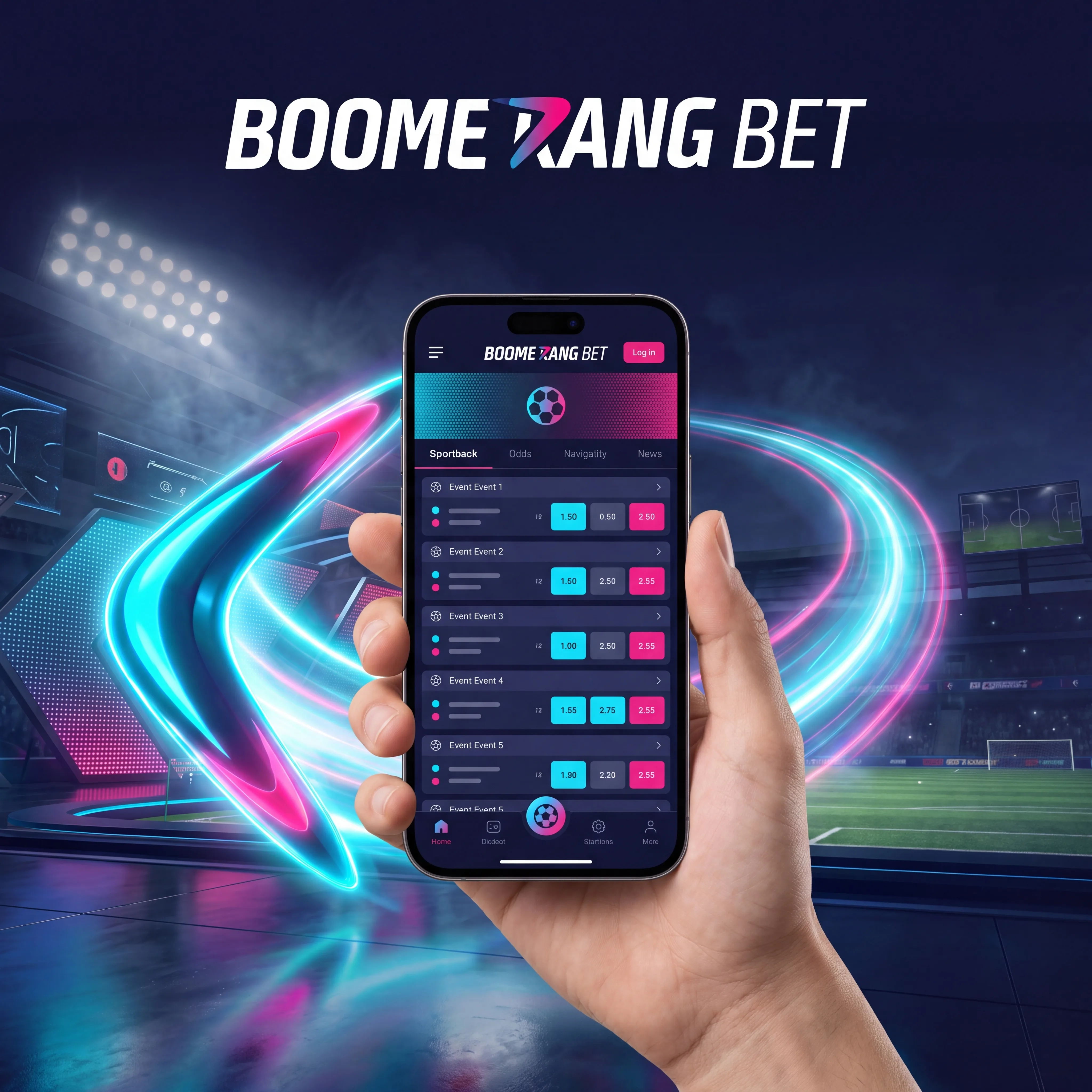
Take Boomerang Bet anywhere
Open sports, casino and account controls from your phone.
Download the appSportsbook behaviour on a small screen
The mobile coupon must show event, market, selection, accepted odds, stake and potential return before confirmation. In-play prices can move during the 4–5 second acceptance window reported in testing. Settings that accept every odds change can produce a materially different ticket, so manual confirmation is the safer default.
Before using a promotion on mobile, check the qualifying prices and balance rules in the Boomerang Bet bonus guide.
Football, basketball, tennis, ice hockey, cricket and esports remain accessible, along with bet builder, accumulators and cash out where offered. A weak connection can freeze a displayed price without freezing the market. Always wait for a bet ID and settled acceptance message before trying again.
| Mobile action | What must be visible | Failure response |
|---|---|---|
| Place a live bet | Accepted odds and bet ID | Do not duplicate until account history updates |
| Use cash out | Current offer and confirmation | Reopen ticket if the value disappears |
| Build an accumulator | Every leg and combined price | Remove suspended or ineligible selections |
| Claim a promotion | Activation state and expiry | Contact support before wagering if absent |
Casino play, orientation and data use
Portrait mode is practical for the lobby and cashier; landscape is usually better for live dealer tables and game shows. Named titles such as Book of Dead, Sweet Bonanza, Gates of Olympus, Money Train 3 and Great Rhino Megaways load inside the browser when the device and connection meet the provider’s requirements.
Live video consumes more data and battery than a slot. Use a stable private network for deposits and withdrawals, keep the operating system current and avoid leaving a funded session open while switching apps. If a game disconnects after a confirmed spin, check game history before relaunching; the server result normally controls the outcome.
Mobile cashier and verification
Cards, e-wallets and crypto can be used from the mobile cashier when displayed for the account. General published ranges start around £17 for deposits and £8 for withdrawals, with crypto withdrawals around £25. Camera access simplifies document capture, but files still need all edges, readable text and correct lighting.
New account holders can prepare those details with the Boomerang Bet registration guide before the first mobile payment or document upload.
Never paste a crypto withdrawal address from an untrusted message. Compare the first and last characters, network and asset before confirmation. USDT on TRC20 and ERC20 are not interchangeable merely because the token name is the same.
Notifications without pressure
Email, SMS and push marketing can be reduced in account preferences. Transaction and security messages should remain enabled where possible. A promotional alert is not a reason to extend a session or reverse a limit decision.
Session limits, reality checks, cooling-off and self-exclusion work across mobile and desktop because they belong to the account. Device-level website blockers and banking gambling blocks can add another layer outside the platform.
FAQ
The responsive site can be added to the iPhone home screen through Safari. Use an App Store link only when shown in the verified account route.
Use the browser shortcut, or download an APK only from the official mobile area. Verify publisher, version and permissions.
No. Third-party APK mirrors can alter packages or capture credentials. Start from the verified account address.
Yes, when the method appears in the mobile cashier. Limits and verification requirements match the account.
In-play markets update continuously. Review the accepted price and disable automatic acceptance of unfavourable changes.
Check game history and balance before repeating a spin. A confirmed server result usually remains valid.
Yes. Use clear colour images with every edge visible and upload through the secure account area.
The browser may offer password storage, but the shortcut itself does not replace account security or two-factor authentication.
Use exactly the network shown in the cashier, such as TRC20 or ERC20. A mismatch can permanently lose funds.
Prefer Wi-Fi for live tables, close background streams and use slots or pre-match pages when bandwidth is limited.
Yes. Account-level deposit, loss, wager and session limits apply across supported devices.
Yes. Change email, SMS and push preferences without disabling essential payment and security alerts.